OnlyFans Safety: How to Protect Your Content
Last updated
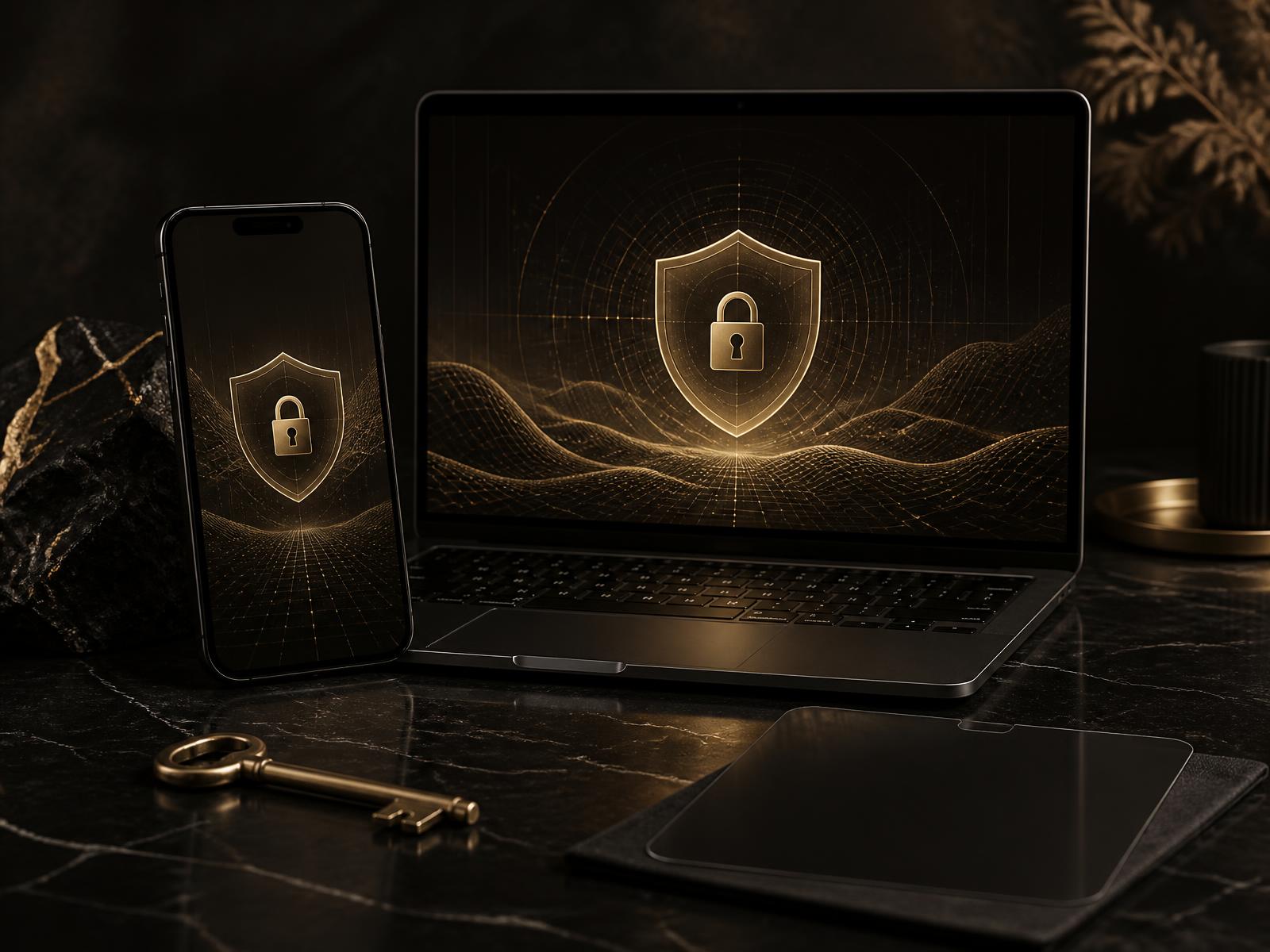
Paid content can be copied, recorded or redistributed. The right settings and a clear response process reduce risk and make incidents easier to contain.
How content leaks happen
The most common methods are screenshots, screen recordings, file sharing and reposting on leak sites. Fake profiles may also reuse images. No system removes every risk, but professional preparation limits the damage.
Preventive measures
Combine platform settings, watermarking, clear fan communication and regular monitoring. Protection is strongest when it begins before the first upload.
Watermarks, geo-blocking and account settings
Place watermarks where they are difficult to crop, use geo-blocking where appropriate, enable two-factor authentication, remove location metadata and avoid recognizable private backgrounds.
What to do when content appears elsewhere
Save screenshots, URLs and timestamps before reporting the infringement. Use platform copyright tools quickly, document every step and consider specialist takedown services for repeated or serious cases.
Why a team improves protection
A management team can monitor for leaks, maintain reporting workflows and coordinate takedowns while the creator focuses on content and community.
Conclusion
OnlyFans safety combines secure settings, repeatable workflows and fast action. For help with monitoring and creator management, use our contact form.
OnlyFans Geoblocking: Control Where Your Profile Is Accessible
OnlyFans geoblocking restricts access by fans connecting from selected countries or regions. It works with the apparent location of a connection, rather than identifying the person behind it. You decide where your profile should be accessible. Check the geographic choices currently available in your account instead of relying on an older tutorial with fixed menu paths. Interfaces and available options can change, so a general guide should not promise a specific local setting.
Creators may use this feature to reduce the chance of being recognised in their home country or local area. Before blocking a location, consider both your privacy priorities and the fans you would exclude. Geoblocking cannot distinguish a neighbour from an unrelated visitor connecting from the same region. It can therefore restrict interested fans as well as people you know. The choice is a balance between visibility and privacy, not a way to identify individual visitors.
A geographic restriction is not a guarantee of anonymity. VPNs and other workarounds can make a connection appear to come from somewhere else. Someone from your home region might also access your profile while travelling or receive content from another person. An allowed connection does not prove that a visitor lives outside your personal circle. Geoblocking does not automatically stop screenshots, screen recordings or the sharing of material someone has already accessed.
Separate two goals: limiting direct access to your profile and containing the spread of copies. Geoblocking supports the first, but does not replace measures against leaks. Copies already posted elsewhere do not disappear when you introduce a country restriction. Public clues on other social profiles can still reveal your identity or location. Review privacy across your entire online presence rather than treating one account setting as a complete solution.
Combine your protection measures
Combine location restrictions with watermarks that are difficult to crop and careful content selection. Review backgrounds, reflections, personal objects and location information before publishing. Decide which details you want to keep private. A watermark helps connect a copy to its source, but does not prevent copying. If you discover a leak, document the URL and save screenshots before using the relevant platform reporting channels for takedown requests. Keep a record of reports so you can follow up on unresolved cases. Removal is not guaranteed; specialist support may be worth considering for repeated incidents.
Geoblocking FAQ
What is geoblocking?
Geoblocking restricts access to your OnlyFans profile based on the apparent location of a connection. Fans from selected countries or regions are excluded. It does not identify a person or establish whether you know them personally.
Does geoblocking provide complete protection?
No. VPNs and other workarounds can bypass location restrictions, and content can be shared outside the platform. Treat geoblocking as an additional precaution, not a guarantee of anonymity or protection against being recognised.
Can I block individual countries?
You can select countries to block instead of restricting access everywhere. Check your account for any additional regional options. Available choices can change, and geographic blocking is not the same as blocking specific people.
Is geoblocking enough to prevent leaks?
No. It limits direct access but does not remove copies or prevent redistribution. Combine it with watermarks, careful content selection, monitoring and takedown requests for discovered leaks. Even together, these measures do not guarantee complete protection.
Related guides
For content without showing your face, our faceless OnlyFans agency page covers branding, discretion and management.